Login
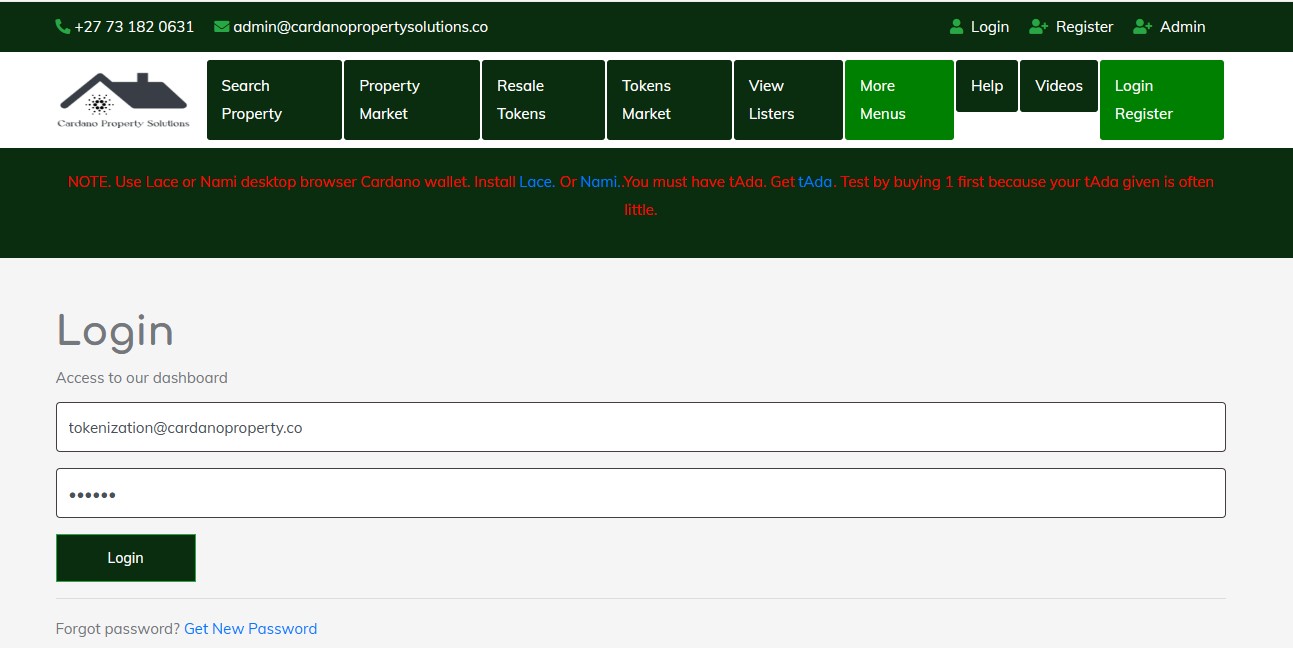 Once you have registered, you can log in to access your account. Follow these steps:
Steps to Log In
-
Go to the Login Page
- Navigate to the top right corner of the webpage or application screen and click on the "Login" button.
- This will open the login form.
-
Enter Your Login Details
- Email Address: Provide the email address you used during registration.
- Password: Enter the password you created when you registered. Ensure there are no typos, and check if Caps Lock is accidentally enabled.
-
Submit the Login Form
- After entering your credentials, click the "Login" button.
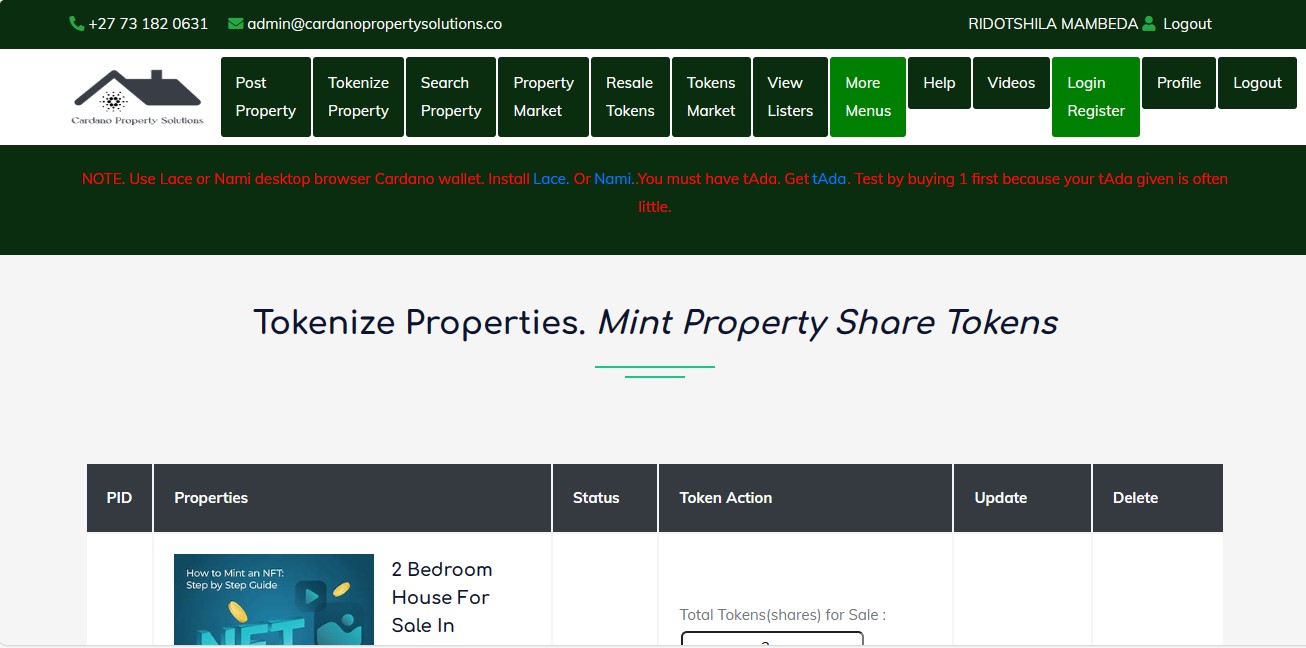
- If your login details are correct, you will be redirected to your account dashboard or the homepage.
 4. Forgot Your Password?
- If you cannot remember your password, click on the "Forgot Password" link below the login form.
- Follow the instructions provided to reset your password, usually by verifying your email address and setting a new password.
Troubleshooting Login Issues
- Incorrect Email or Password: Double-check your login details for typos.
- Account Not Registered: If you haven’t registered, go to the registration page and create an account first.
- Password Reset Issues: If you do not receive a password reset email, check your spam or junk mail folder. Ensure you entered the correct email address associated with your account.
Once logged in, you can access all the features available in your account. If you encounter further issues, contact support for assistance.